
Download PDFDoctor – Free Online PDF Suite for Professionals
Overview of PDFDoctor
PDFDoctor is a cloud‑based PDF suite designed specifically for busy professionals who need a reliable, secure, and fast way to manipulate PDF documents without installing bulky software. Because the entire application runs inside a modern web browser, you can access every tool from a laptop, desktop, tablet, or smartphone as long as you have a stable internet connection. The service is completely free, supported by occasional non‑intrusive ads that keep the platform sustainable while still delivering a premium experience.
PDFDoctor leverages HTTPS with 256‑bit encryption for every file transfer, guaranteeing that your documents remain confidential during upload, processing, and download. All files are automatically purged from the server within one hour, adding an extra layer of privacy. Whether you need to compress a large report, merge several invoices into a single file, split a contract into individual sections, or protect sensitive data with a password, PDFDoctor offers a full range of smart tools that work in seconds.
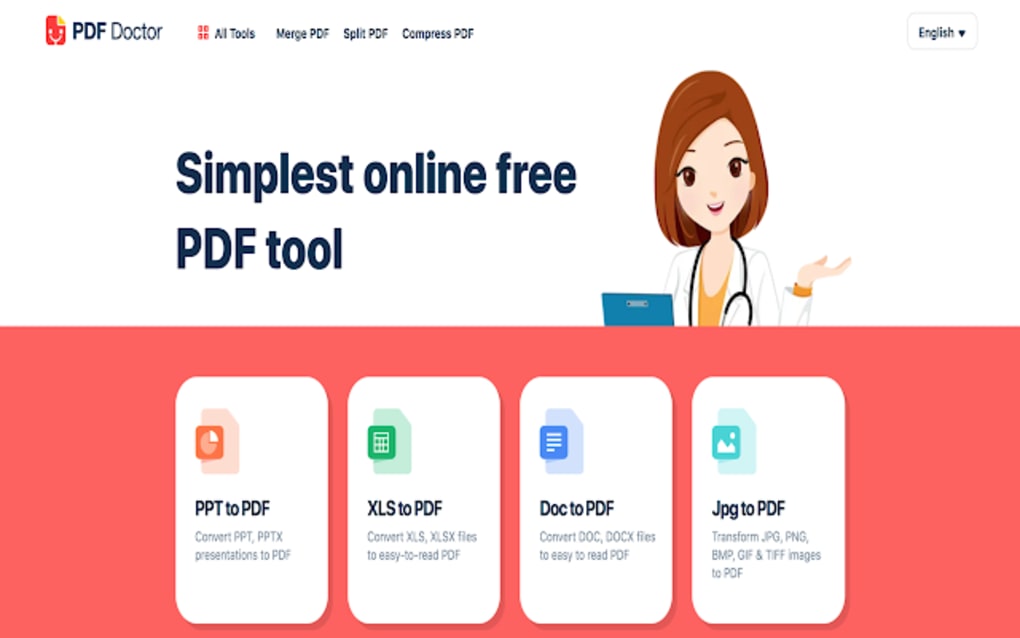
The platform also supports conversion from popular formats—including Word, Excel, PowerPoint, JPG, XPS, EPUB, OXPS, SVG, and HWP—to PDF, and lets you add watermarks or page numbers with just a few clicks. In short, PDFDoctor provides a professional‑grade PDF workflow that is accessible, secure, and cost‑free, making it an ideal choice for freelancers, small businesses, and enterprise teams alike.
Key Features and Functionalities
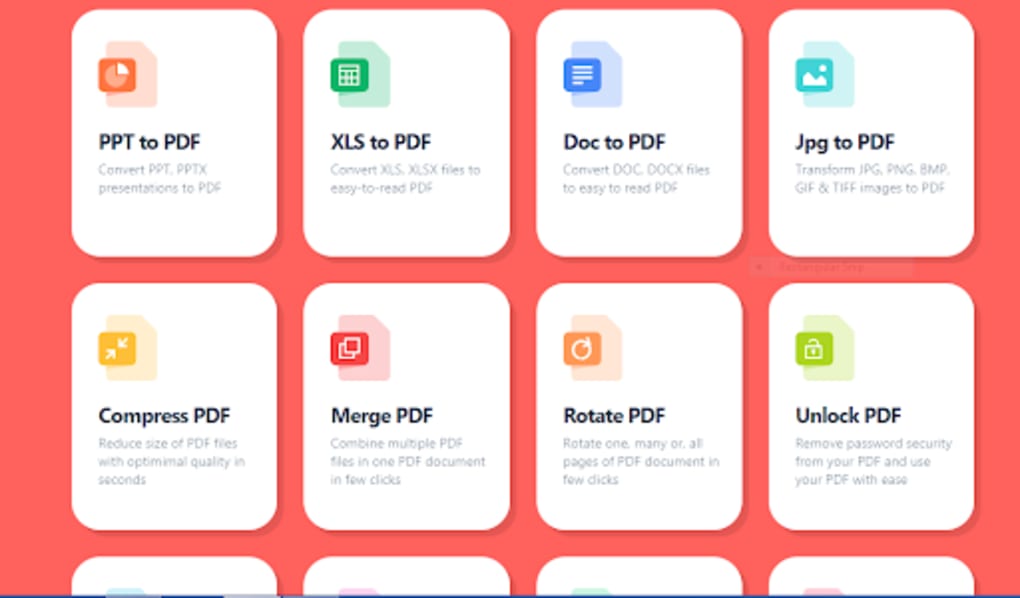
- Instant PDF Compression: Reduce file size up to 90 % while preserving visual quality, perfect for email attachments and web uploads.
- Merge & Split Tools: Combine multiple PDFs into one document or extract individual pages with drag‑and‑drop simplicity.
- Password Protection & Removal: Secure PDFs with custom passwords or unlock them when you have the proper credentials.
- Page Management: Rotate, delete, or reorder pages in a matter of clicks, eliminating the need for third‑party editors.
- Multi‑Format Conversion: Convert Word, Excel, PowerPoint, JPG, XPS, EPUB, OXPS, SVG, and HWP files to PDF and vice‑versa.
- Watermark & Page Numbering: Add custom text or image watermarks and automatically generate page numbers for branding or compliance.
- Secure Cloud Processing: All data travels over HTTPS with 256‑bit encryption, and files are auto‑deleted after one hour.
- Ad‑Supported Free Model: Enjoy a fully functional suite without any subscription fees, with occasional ads that do not interrupt core workflows.
Why These Features Matter for Professionals
For professionals handling contracts, proposals, or research papers, time is a critical resource. PDFDoctor’s compression algorithm slashes upload and download times, while the merge/split functions reduce manual labor. Security‑oriented tools such as password protection and automatic file deletion align with corporate data‑privacy policies, eliminating the risk of lingering files on third‑party servers.
The broad conversion capabilities mean you can accept documents from clients in virtually any format and instantly standardize them to PDF, streamlining review cycles. Watermarks and page numbering add a layer of branding that reinforces corporate identity across all outbound PDFs. Because the suite runs entirely in the browser, there’s no need to allocate hard‑drive space or manage software updates; the service is always current, which translates into lower IT overhead for small teams.
Getting Started: Access, Installation & Compatibility
Since PDFDoctor is a web‑app, there is no traditional installation process. To begin, open any modern browser (Chrome, Edge, Firefox, Safari) and navigate to the official PDFDoctor homepage. The first time you visit, you may be prompted to allow pop‑ups for file selection and to grant permission for the browser to store temporary files during processing. After accepting, simply drag a PDF or supported document onto the upload area, select the desired tool from the toolbar, and let the cloud engine handle the rest. The interface is responsive, so whether you’re on a Windows 10 desktop, macOS Monterey laptop, Android tablet, or iOS iPhone, the layout adapts for optimal usability.
Supported Operating Systems: Windows 10/11, macOS 10.15+, Linux distributions with a recent browser, Android 8.0+, and iOS 13+. Because the service relies on HTML5 and JavaScript, any device that can run a current browser will work seamlessly.
Step‑by‑Step Quick Guide:
- Visit pdfdoctor.example.com and click “Start Now”.
- Choose the tool you need (Compress, Merge, Convert, etc.).
- Upload your file(s) using the “Select Files” button or drag‑and‑drop.
- Configure any optional settings (e.g., compression level, password, watermark text).
- Press “Process” and wait a few seconds; processing time varies with file size and internet speed.
- Download the finished PDF to your device or save it to a cloud storage service via the integrated connector.
Because PDFDoctor runs in the cloud, updates are instantaneous—new features appear the moment the development team pushes them. You never need to worry about compatibility patches or version mismatches, making it an attractive choice for teams that want a “set‑and‑forget” solution.
Pros, Cons, and Frequently Asked Questions
Pros
- Fully free with no hidden subscription fees.
- Works on any device with a modern browser – no installation required.
- Robust security: 256‑bit HTTPS encryption and automatic file deletion.
- Wide range of tools covering compression, merging, conversion, and protection.
- Fast processing times for most tasks; UI is intuitive and responsive.
Cons
- Requires a stable internet connection; offline work is not possible.
- Ads appear occasionally, which may be distracting for some users.
- Large files may experience longer upload/download times on slower connections.
- Advanced editing (e.g., OCR, form field creation) is not available in the free version.
FAQ
Is PDFDoctor really free or are there hidden costs?
PDFDoctor is completely free to use. The platform is supported by occasional non‑intrusive advertisements, but there are no subscription fees, trial periods, or hidden charges for any of the core tools.
How secure is my data when I upload a PDF?
All file transfers are encrypted with HTTPS using 256‑bit SSL/TLS. After processing, every uploaded document is automatically deleted from the server within one hour, ensuring minimal data retention.
Can I use PDFDoctor on a mobile device?
Yes. PDFDoctor’s responsive design works on Android and iOS browsers. All tools, including compression, conversion, and password protection, are fully functional on smartphones and tablets.
What file formats can I convert to PDF?
PDFDoctor supports conversion from Word (.doc, .docx), Excel (.xls, .xlsx), PowerPoint (.ppt, .pptx), JPG, XPS, EPUB, OXPS, SVG, and HWP files into PDF. The reverse conversion (PDF to these formats) is not available in the free tier.
Do I need to create an account to use PDFDoctor?
No account is required. You can start processing files immediately. An optional account can be created for saving preferences, but all core features are accessible without registration.
Review Summary
Overall Rating: 4.6/5
Pros: Free, no installation, strong security, broad toolset.
Cons: Requires internet, ads, limited advanced editing.
Conclusion – Should You Download PDFDoctor?
If you’re a professional who frequently works with PDFs and wants a cost‑effective, secure, and instantly up‑to‑date solution, PDFDoctor checks all the boxes. Its cloud‑native architecture eliminates the need for bulky installations, freeing up disk space on laptops and mobile devices. The suite’s core features—compression, merging, password protection, and multi‑format conversion—cover the most common PDF workflows, while the 256‑bit encryption and automatic file purge address the biggest security concerns for businesses.
The only trade‑offs are the reliance on an internet connection and the presence of occasional ads, both of which are reasonable compromises for a free service of this caliber. Whether you’re a freelancer drafting contracts, a small business preparing invoices, or an enterprise team looking for a quick PDF utility without licensing headaches, PDFDoctor offers a professional‑grade experience at zero cost. Click the link below to start using PDFDoctor today and experience a seamless PDF workflow that keeps your documents safe, lightweight, and ready for any audience.



.png)



